Experience RAVEN for Pro Tools in 60 seconds
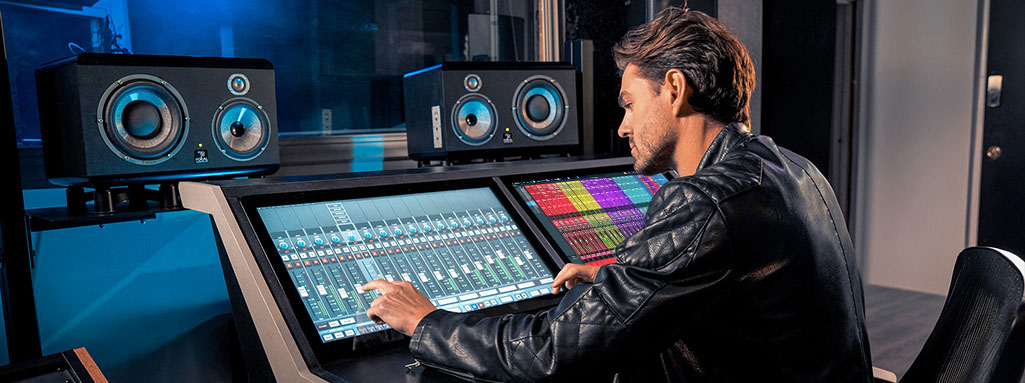

Turn Pro Tools into the creative powerhouse it was meant to be. RAVEN lets you work the way you’ve always wanted to—hands on. Mix, edit, comp, and automate right from the screen. No key commands to memorize. No fishing through menus. Just reach out and grab what you need.
Pro Tools, Reimagined
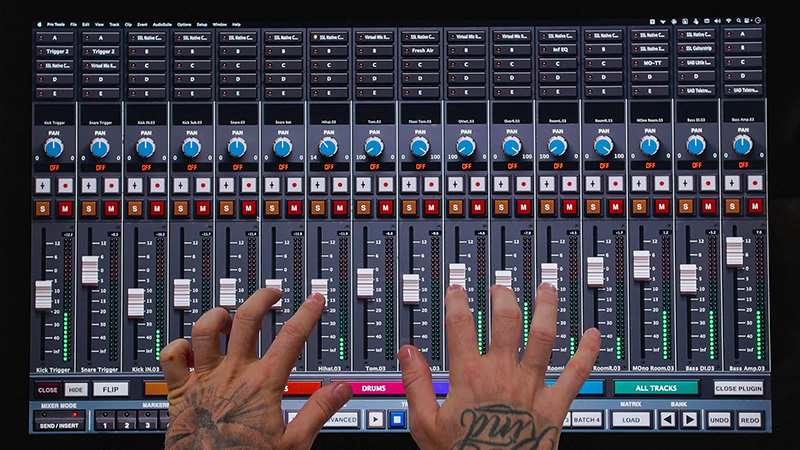
Mixing
Pro Tools’ mixer now feels like a real console. Push multiple faders at once, ride vocals with your fingertips, open inserts instantly, and make mix decisions in real time. No mouse drift, no tiny targets—just a big console that’s a dream to mix on.
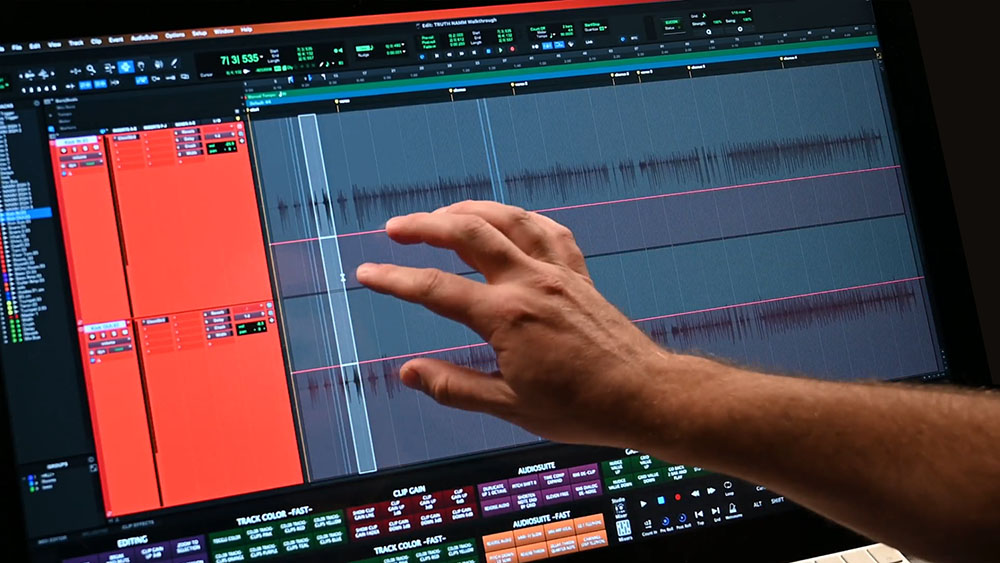
Gestures
Make cuts, trims, fades, and comps with your hands. Swipe to select, pinch to zoom deep into waveforms, drag regions where you want them. RAVEN editing feels as fast as your instincts—more like touching tape than clicking around it.
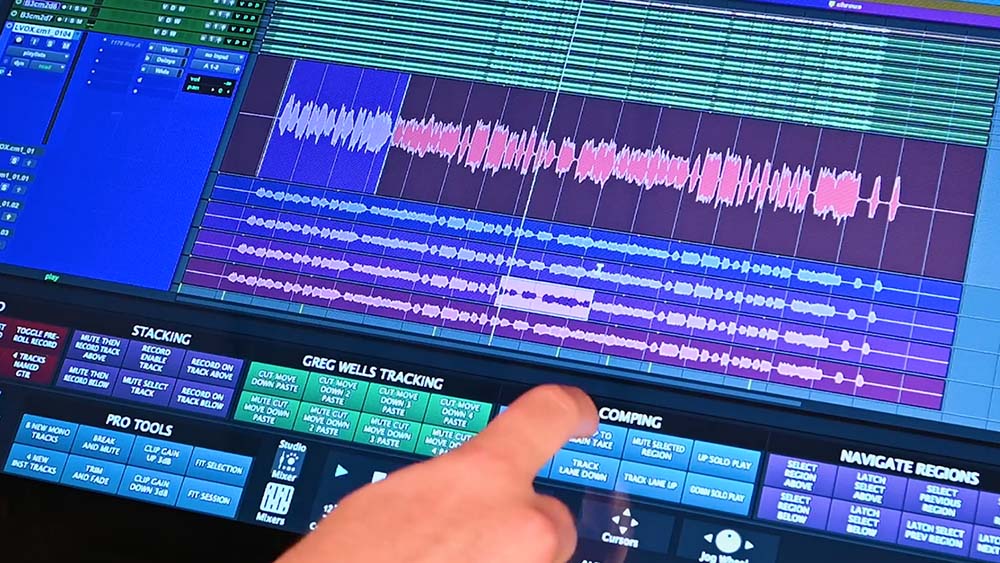
Batch Commands
Speed is everything in Pro Tools, and RAVEN takes it even further. One tap can create your entire track layout, setup your vocal comp chain, print stems, or clean edits across a whole session. Whether you mix, track, or post, RAVEN automates the repetitive stuff so you don’t have to.
Explore Our Gallery


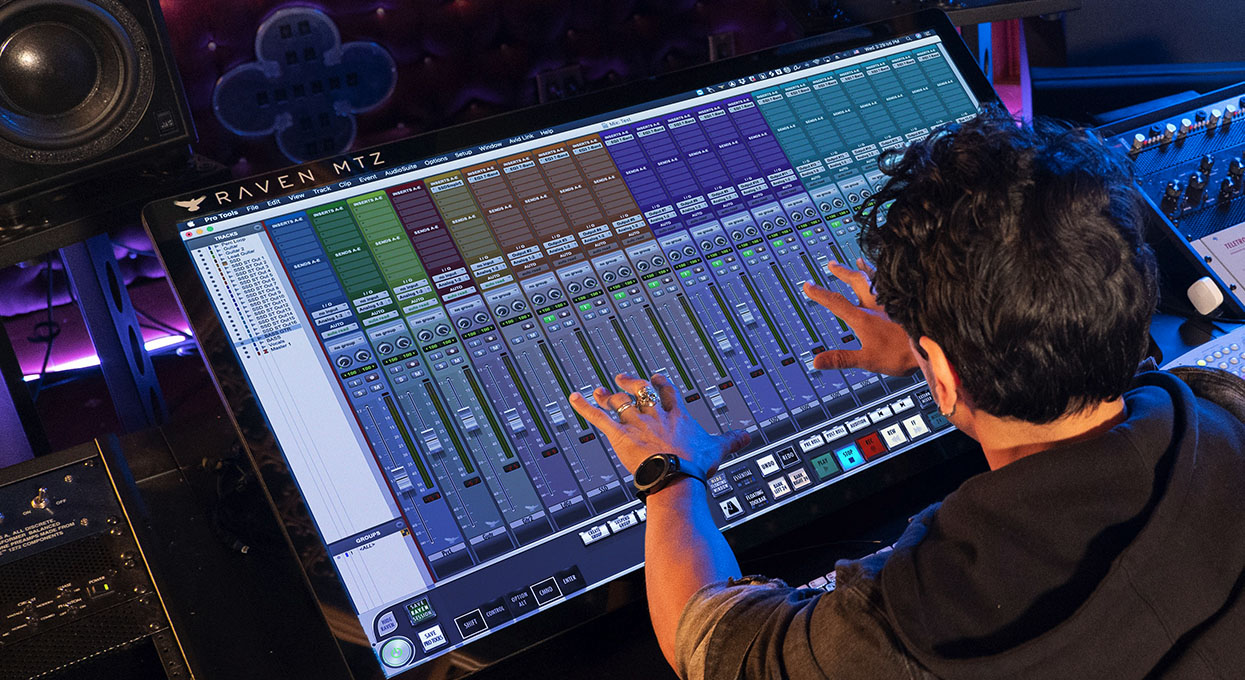
Pro Tools Without RAVEN/With RAVEN


❌ One-click-at-a-time workflow❌ Cramped mixer and plugin windows❌ Slow session prep and repetitive editing

✅ Precise, responsive multitouch faders✅ Adjust levels, pans & plugins simultaneously✅ Faster comps, cleaner edits, and tighter automation
Beyond Mixing
RAVEN adapts to how you use Pro Tools. The Batch Command system can string together hundreds of steps—track labeling, routing, bussing, plugin chains, edit prep—into a single touch. Build your own buttons, map your favorite workflows, and customize Pro Tools to the way you work— not the other way around.
Click icons to learn more.
 Move up to 32 multitouch faders for quick analog console style balances
 Add your favorite plugin with a hand gesture and tweak it like real hardware
 Record and save multi-step macros to buttons and gestures
 Make edits at light speed with buttons and gestures
 Drawing volume automation
Which RAVEN is Right for You?
RAVEN is offered in two panels, the 27” MAX and the 43” MTZ

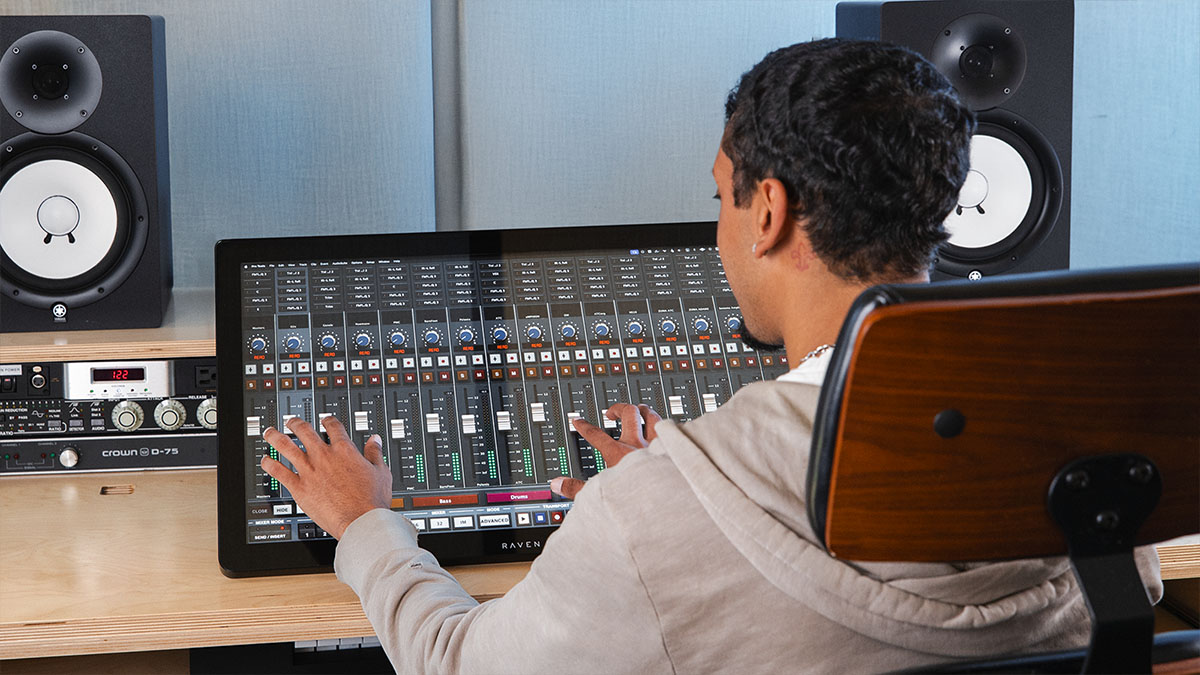
RAVEN MTI MAX
27” 2K Touch Screen
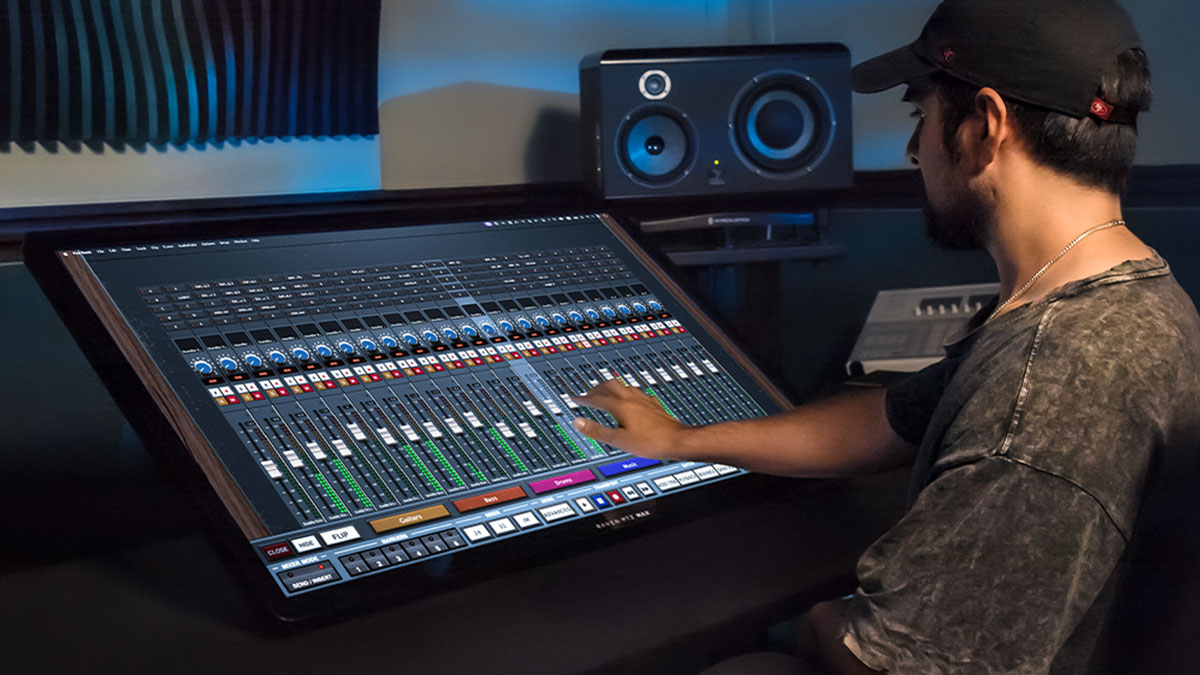
RAVEN MTZ
43” Touch Screen
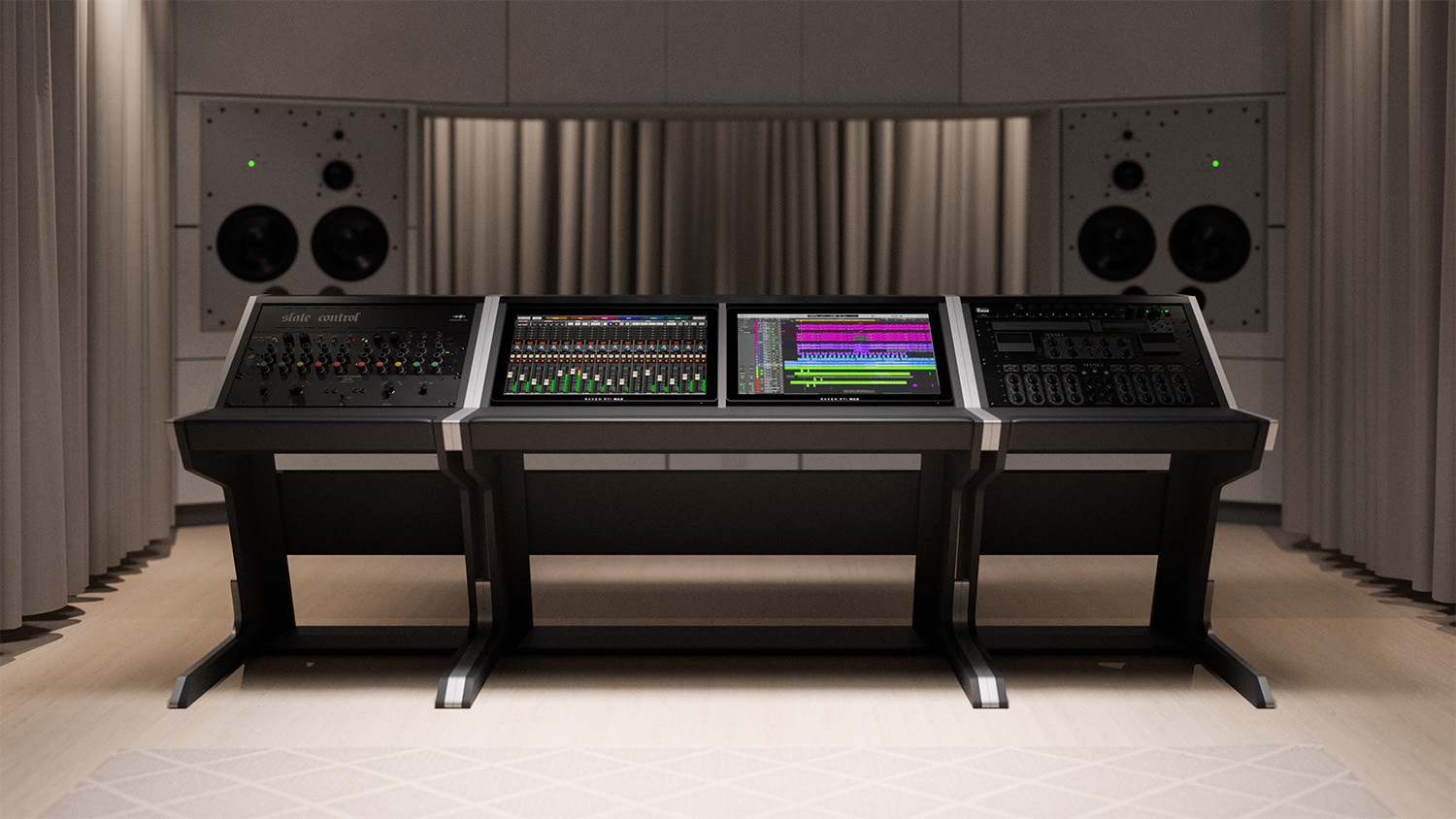
RAVEN CORE STATION
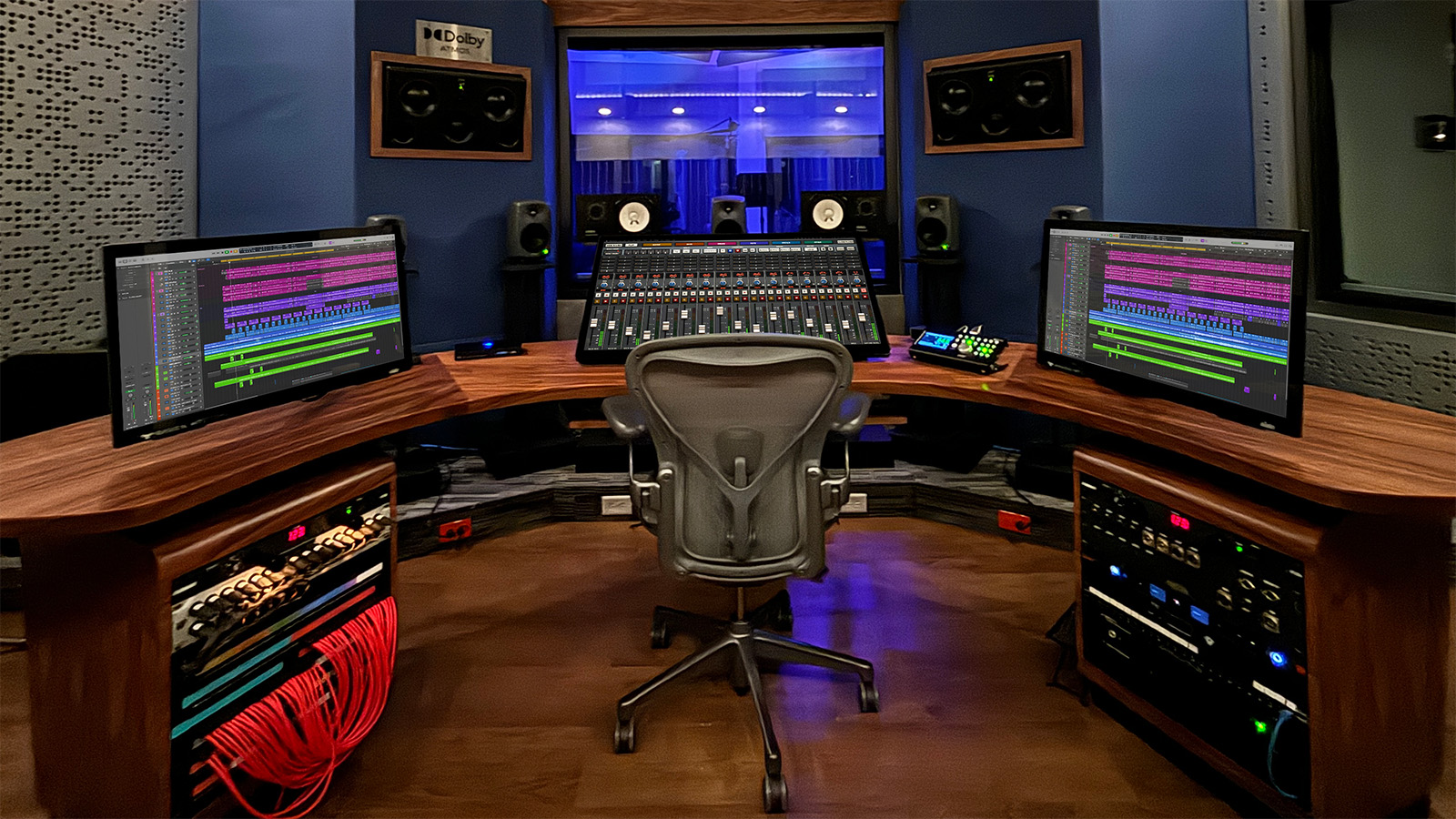
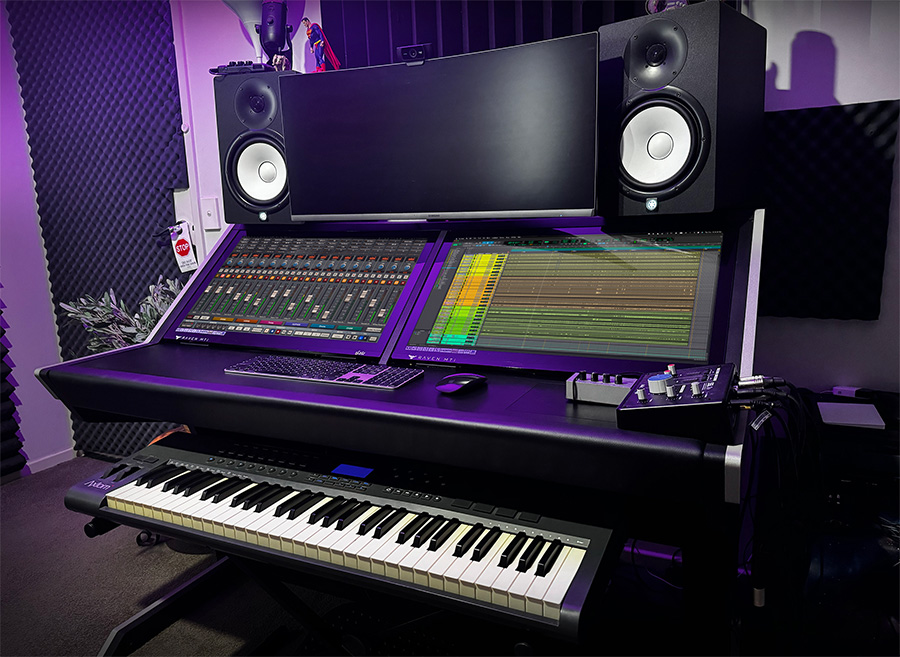
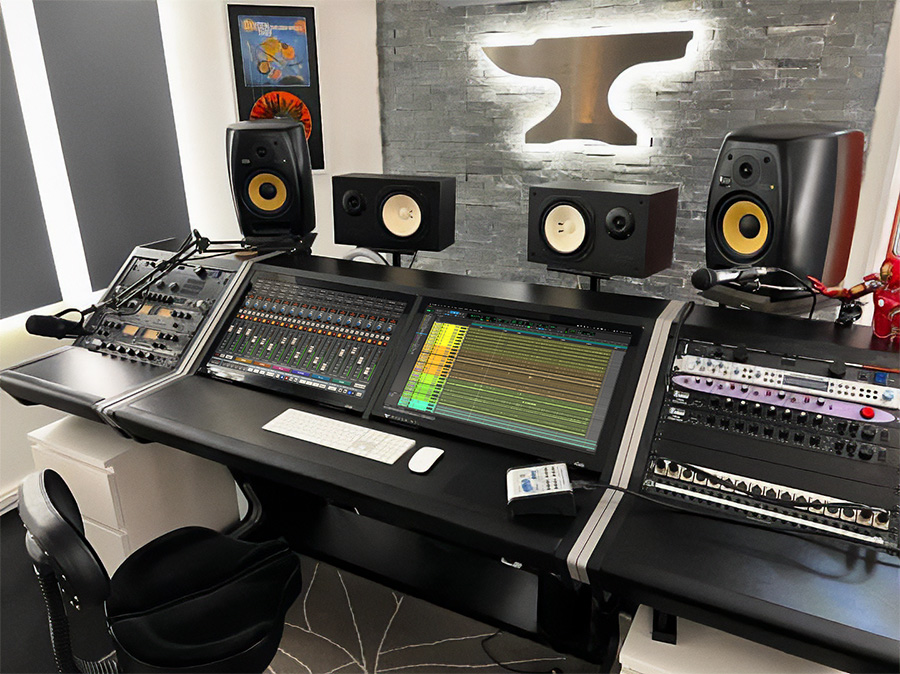
Our most popular product features a sleek custom desk utilizing two of our 27-inch MAX series touch panels
Supports Industry's Top DAWs
RAVEN software is customized per DAW and supports the industry's top brands on MacOS (Windows coming soon!)




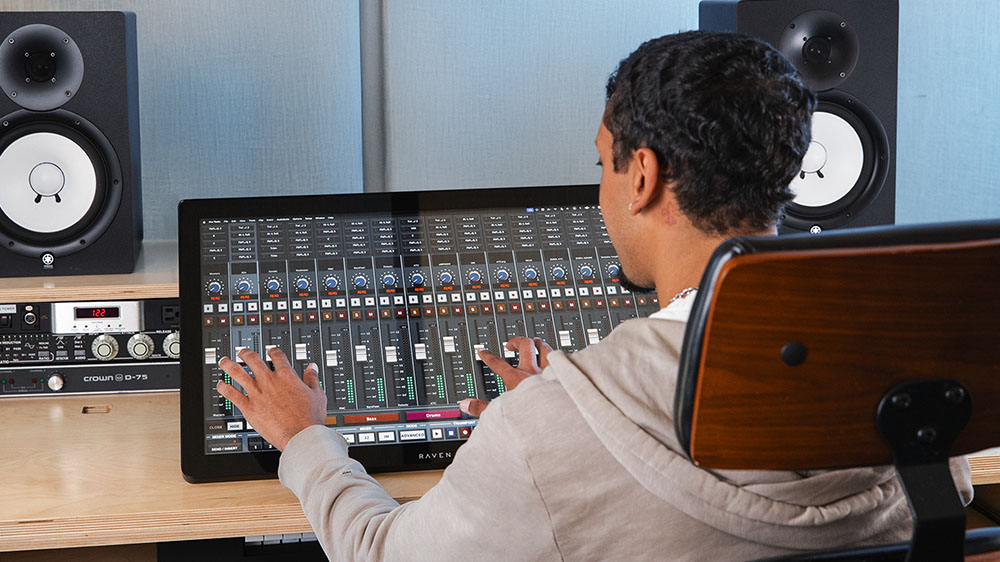
RAVEN MTi MAX
The world’s most advanced modern DAW controller
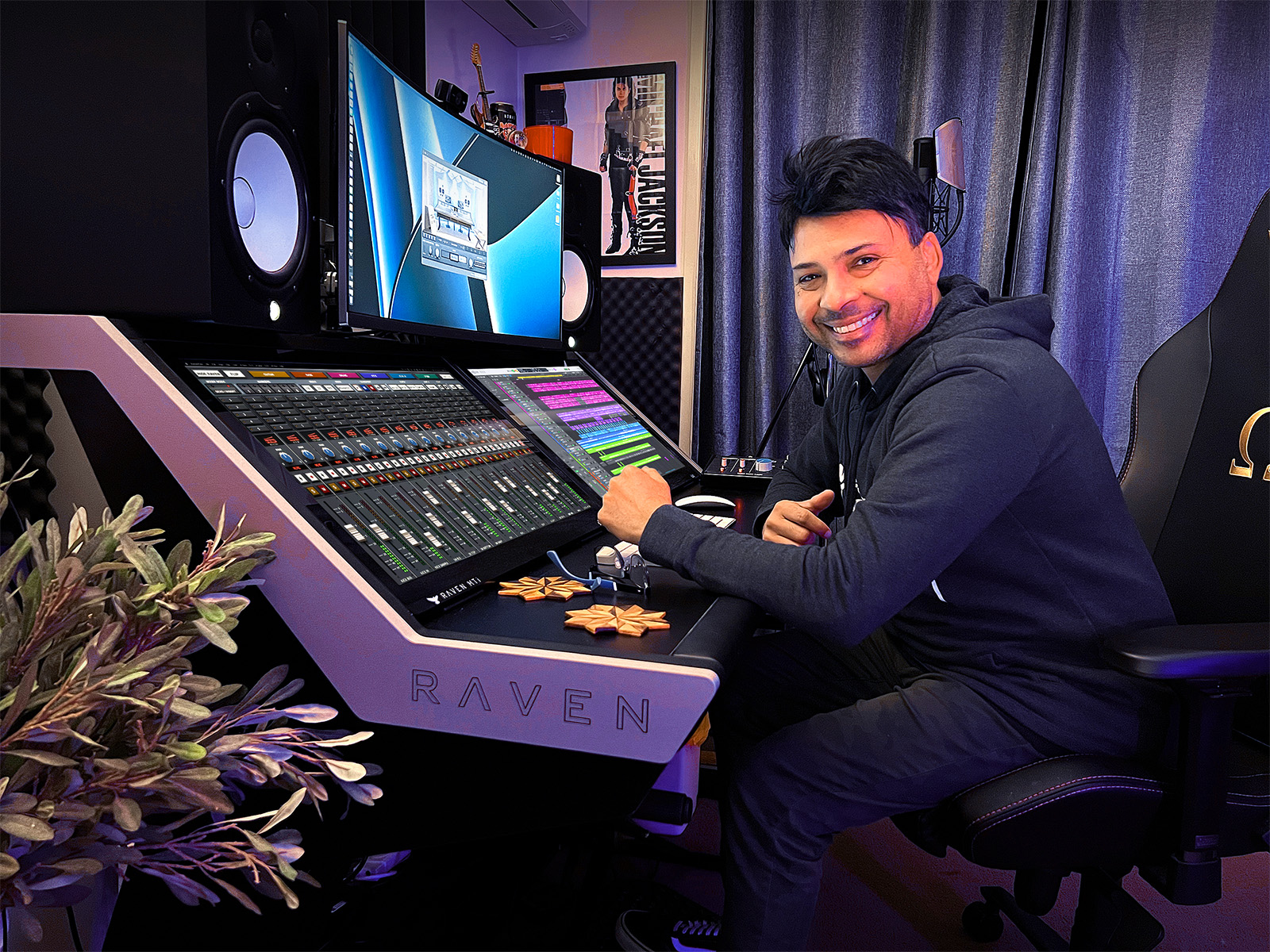
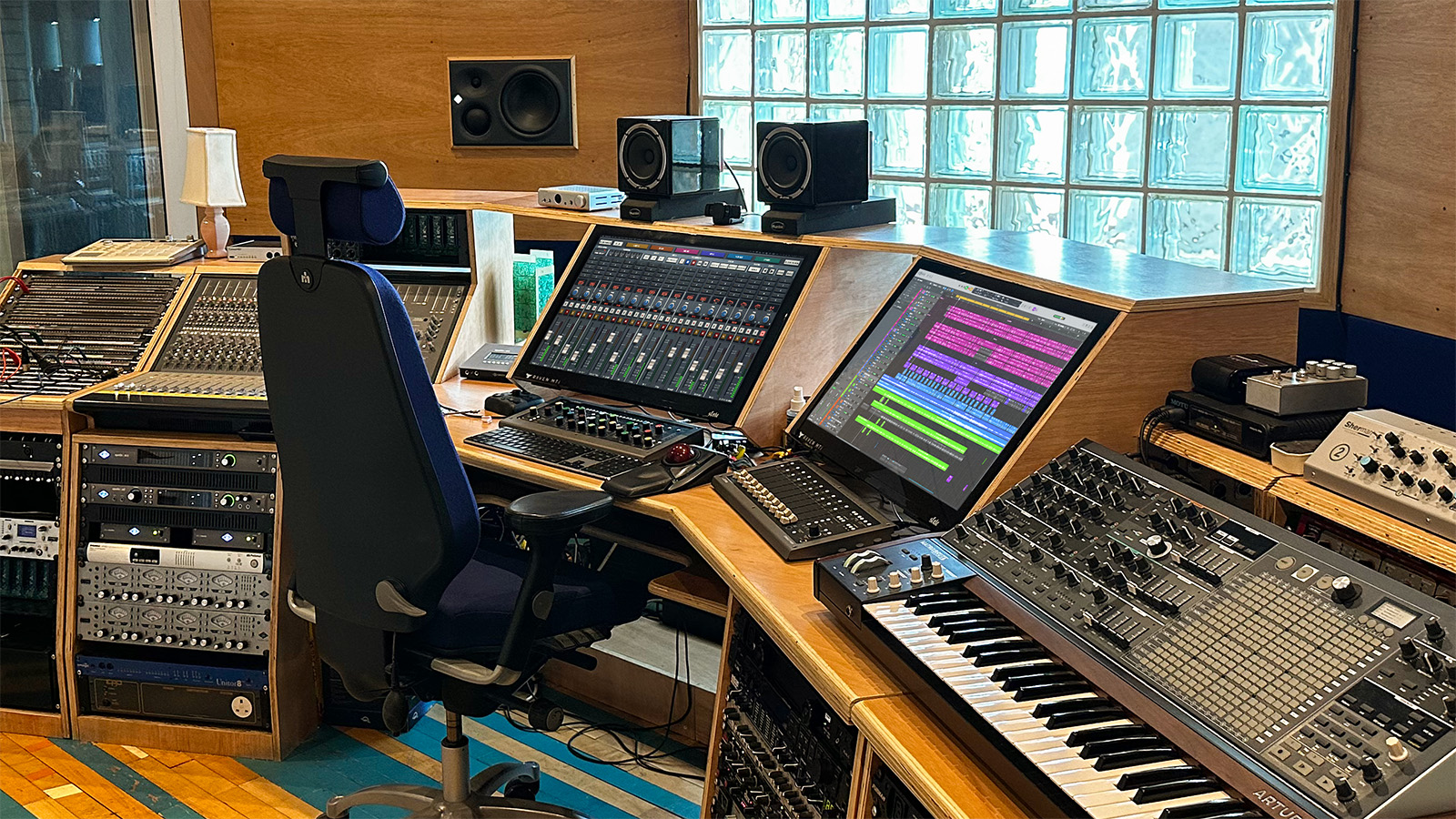
State of the art 27” high-resolution multitouch screen built specifically for pro audio producers. View up to 32 high-precision faders at once, and control your DAW with intuitive touch gestures that will remind you of how you interact with your phone. Automate complex tasks with our legendary Batch Commander. Its sturdy construction and adjustable kickstand means you can place your RAVEN anywhere in your studio.
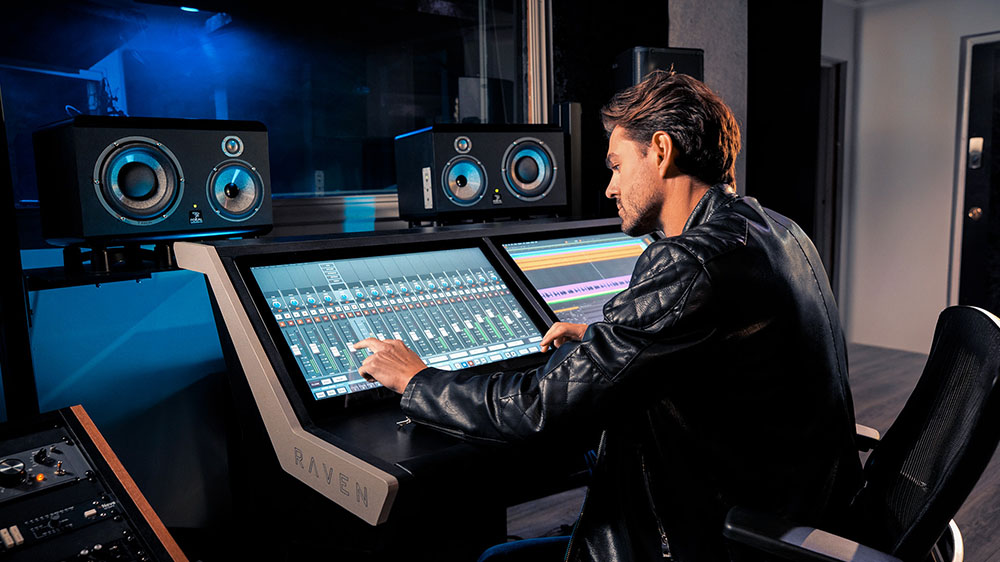
RAVEN CORE Station
The ultimate mixing console for producers who want it all
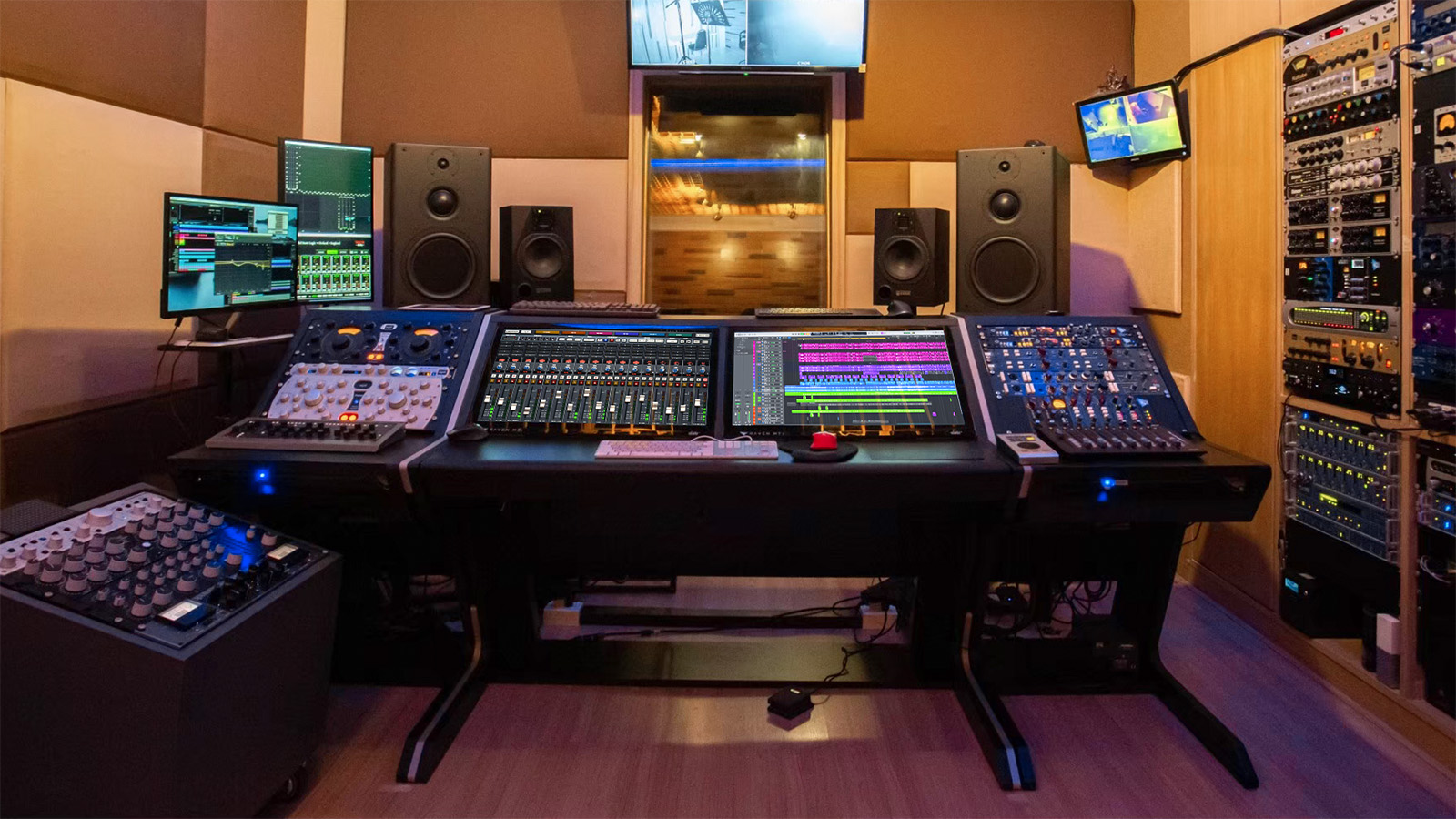
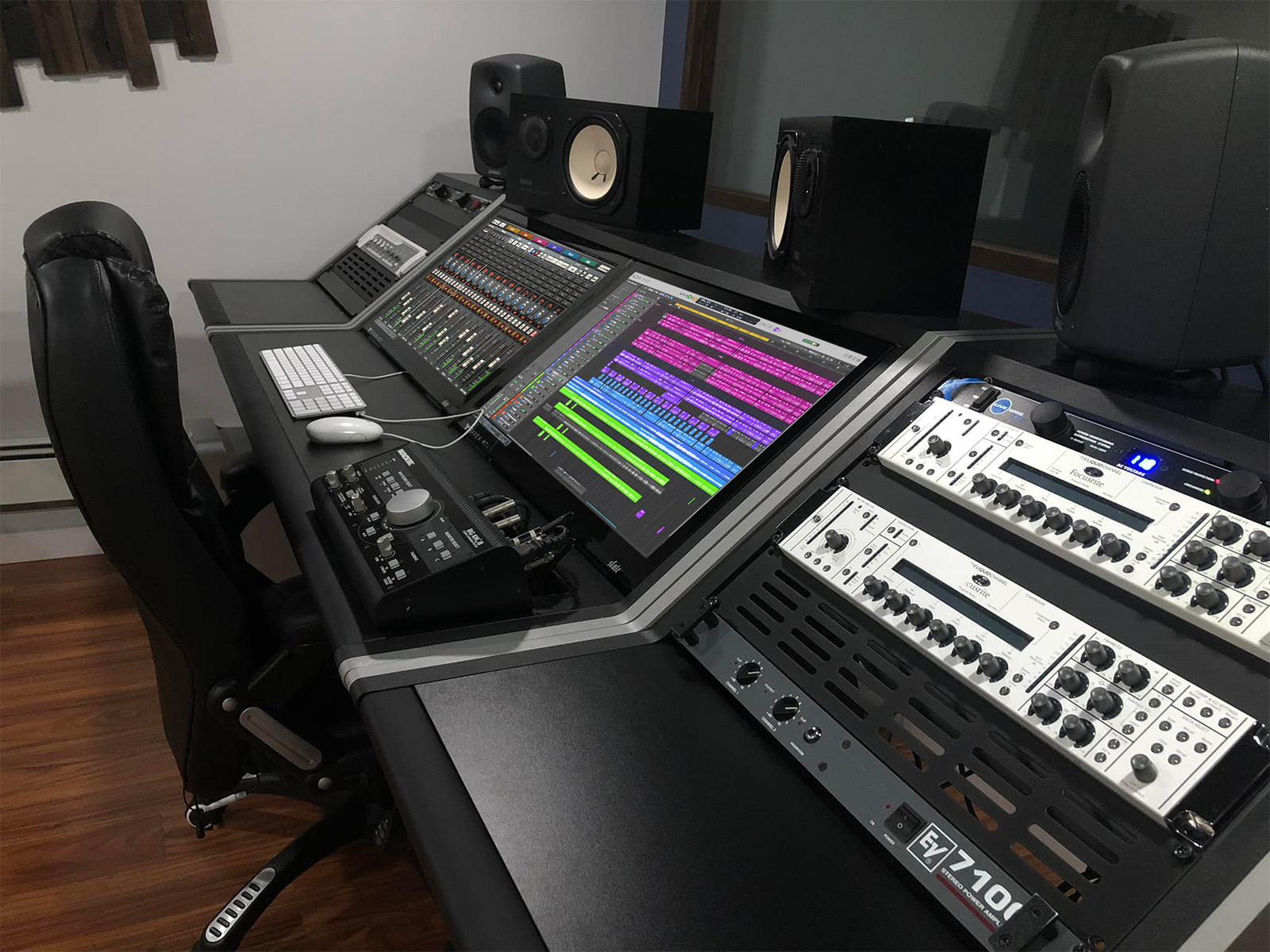
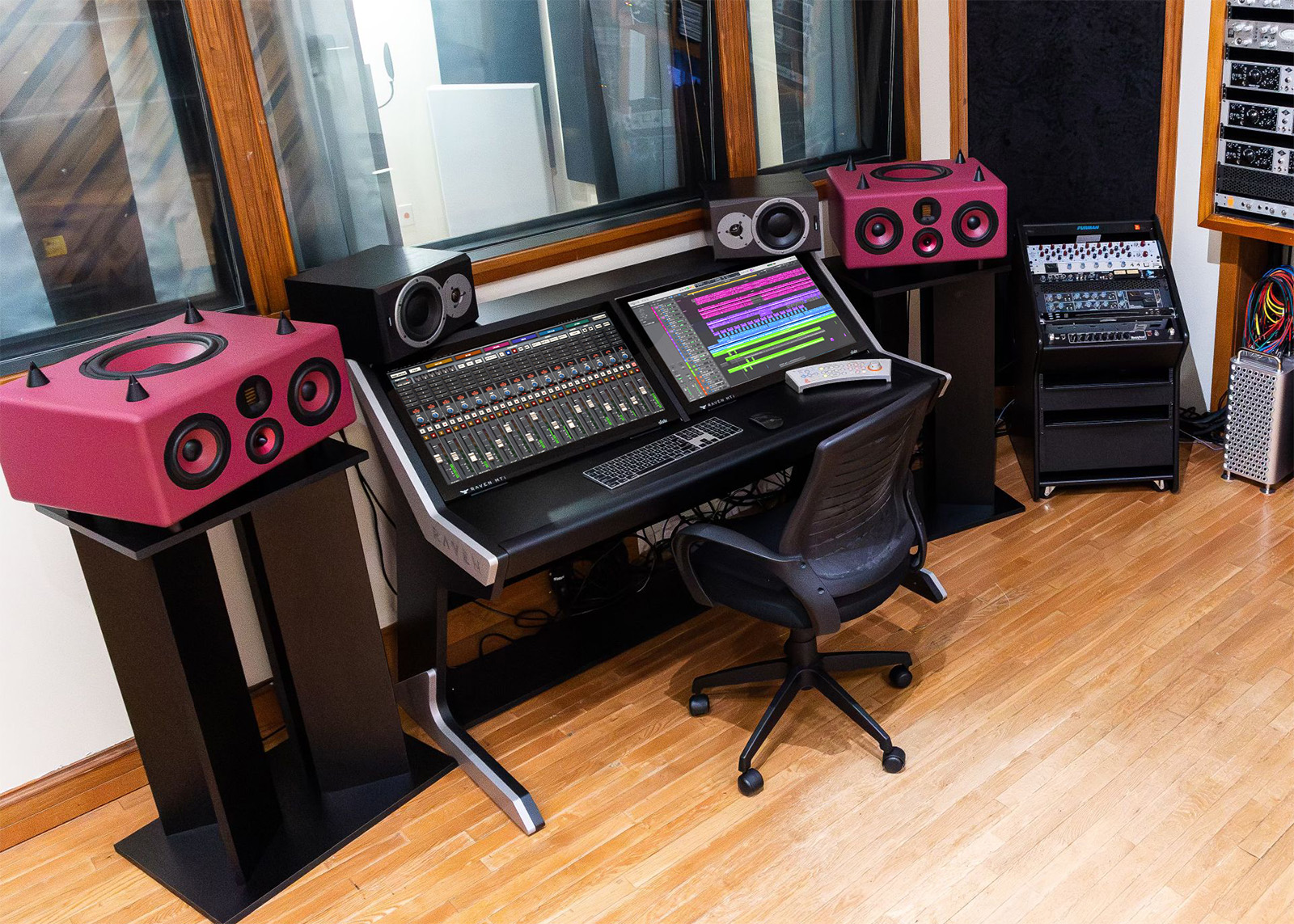
Two 27" high-resolution multitouch screens arranged side-by-side for the ultimate production experience. You get everything RAVEN MAX has to offer with DOUBLE the screen real estate, all housed in an elegant modern workstation custom built for RAVEN. The studio “wow factor” doesn’t get better than this.
Designed to Inspire.
FAQ
Does RAVEN MAX support my DAW?
RAVEN 4.0 supports MacOS and Windows 10 / 11: ProTools, Logic Pro X, Ableton, Digital Performer , Cubase, Nuendo, and Studio One.
What do I need to use RAVEN MAX?
You need a computer with a USB 2.0 connection with the following minimum requirements:
Mac
Intel 2.5GHz i5 Processor or higher, 4GB RAM or more, 512MB VRAM or more recommended. Apple Silicon is supported.
OS X 10.15.7 or later.
You’ll also need one of the following supported macOS DAWs:
Pro Tools, Logic Pro X, Cubase, Nuendo, Studio One, or Ableton Live.
You’ll need an iLok account to authorize your RAVEN. This can be done for free via iLok Machine ID. (Of course, you’re also free to use a physical iLok USB dongle if you prefer.)
If I have a MTi2, can I run the new RAVEN 4.0 software when it becomes available?
Yes! The MTi2 will run RAVEN 4.0 software when it becomes available. Please note that this will be a paid upgrade as version 4.0 offers significant new functionality over the current version.
Can I use a RAVEN MTi2 and RAVEN MTi MAX together?
Yes! RAVEN MTi2 and MTi MAX work perfectly together.
Will RAVEN MAX fit into my Core Station?
Yes! If you already have a Core Station, your new RAVEN MTi MAX will fit perfectly.
Can I load my saved Batch Commands into RAVEN MAX?
Yes! Just load your .ravaly sessions into RAVEN 4.0. All of your Batch Command Panels will show up in the User tab of the Batch Command Editor. You can add and organize them into your new RAVEN 4.0 Layouts.
Do I need a physical iLok to use RAVEN?
No, you do not need a physical iLok USB dongle to use RAVEN. You can authorize it with iLok Machine ID. (Alternatively, you can authorize it with an iLok USB dongle if you prefer.)